Jaeden Schafer
You can have the most insightful content, the most compelling guests, and the best storytelling in the world, but if your audio quality is poor, listeners will hit the skip button within seconds. Audio quality is the single biggest factor that separates amateur podcasts from professional ones. The good news is that understanding what makes audio sound professional is not complicated. Once you grasp a few core principles, you can dramatically improve your sound whether you are recording at home or in a studio.
Microphone Technique: Distance, Angle, and Plosives
The microphone is your most important tool, and how you use it matters more than which model you own. The ideal distance for most podcast microphones is four to six inches from your mouth. This distance provides a full, warm tone while minimizing room noise. Get too close and you will hear exaggerated bass and mouth sounds. Get too far and the microphone picks up more of the room than your voice.
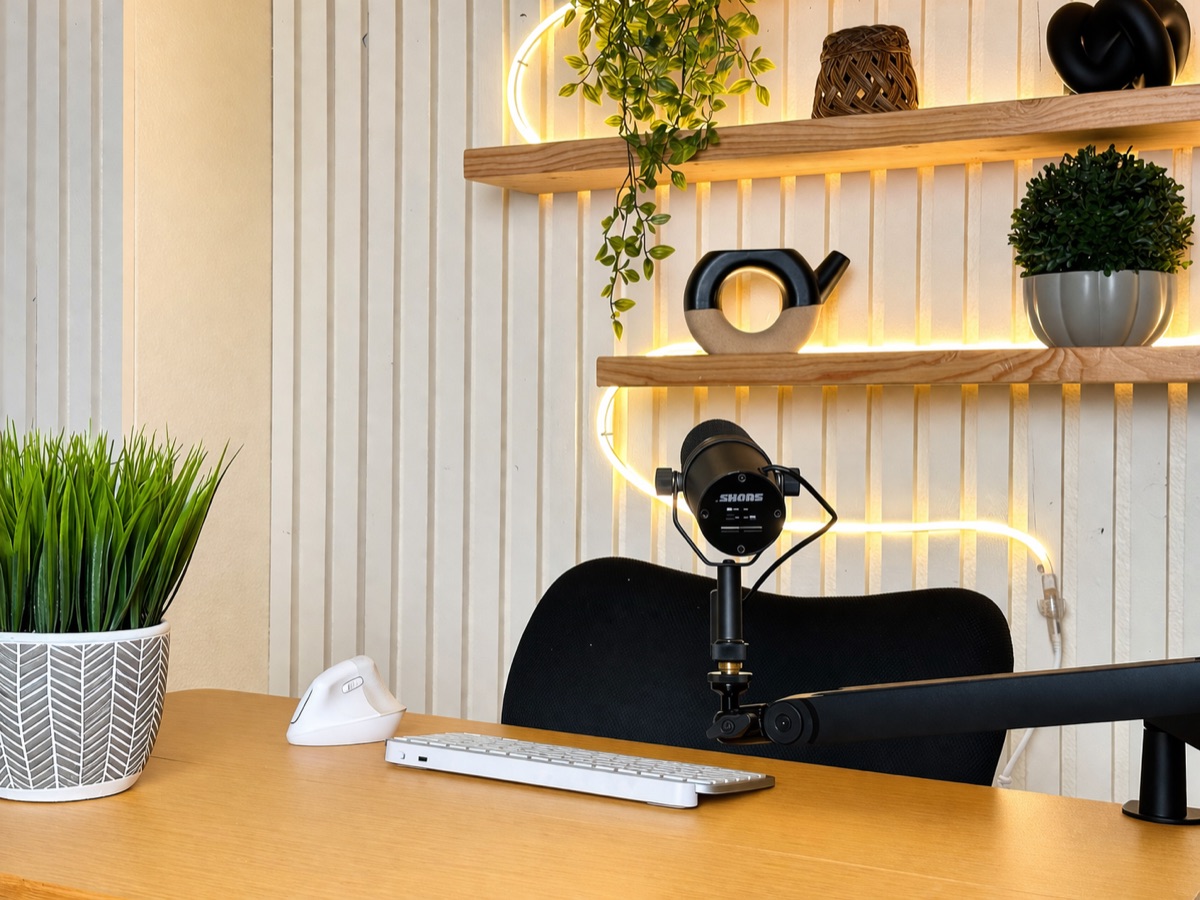
Angle matters just as much as distance. Position the microphone slightly off-axis, meaning angled to the side rather than pointing directly at your lips. This reduces plosives, which are the explosive bursts of air that occur on letters like P, B, and T. These plosives cause distracting thumps in your recording that are difficult to fix in post-production. A pop filter adds another layer of protection, but proper technique is your first and most effective defense.
Consistency is the overlooked third element of microphone technique. Many podcasters start a recording at the perfect distance and then gradually drift away or lean in as they get into the conversation. This creates volume fluctuations that make the episode fatiguing to listen to. At Podcast Studio AZ, our engineers monitor levels in real time and our microphone positioning is optimized before every session, so you never have to think about technique while recording.
Room Acoustics and Soundproofing
Your recording environment has a massive impact on audio quality, often more than the microphone itself. Hard, flat surfaces like drywall, glass windows, hardwood floors, and bare desks reflect sound waves back into the microphone, creating reverb and echo. This is why podcasts recorded in untreated rooms often sound hollow or like they were recorded in a bathroom.
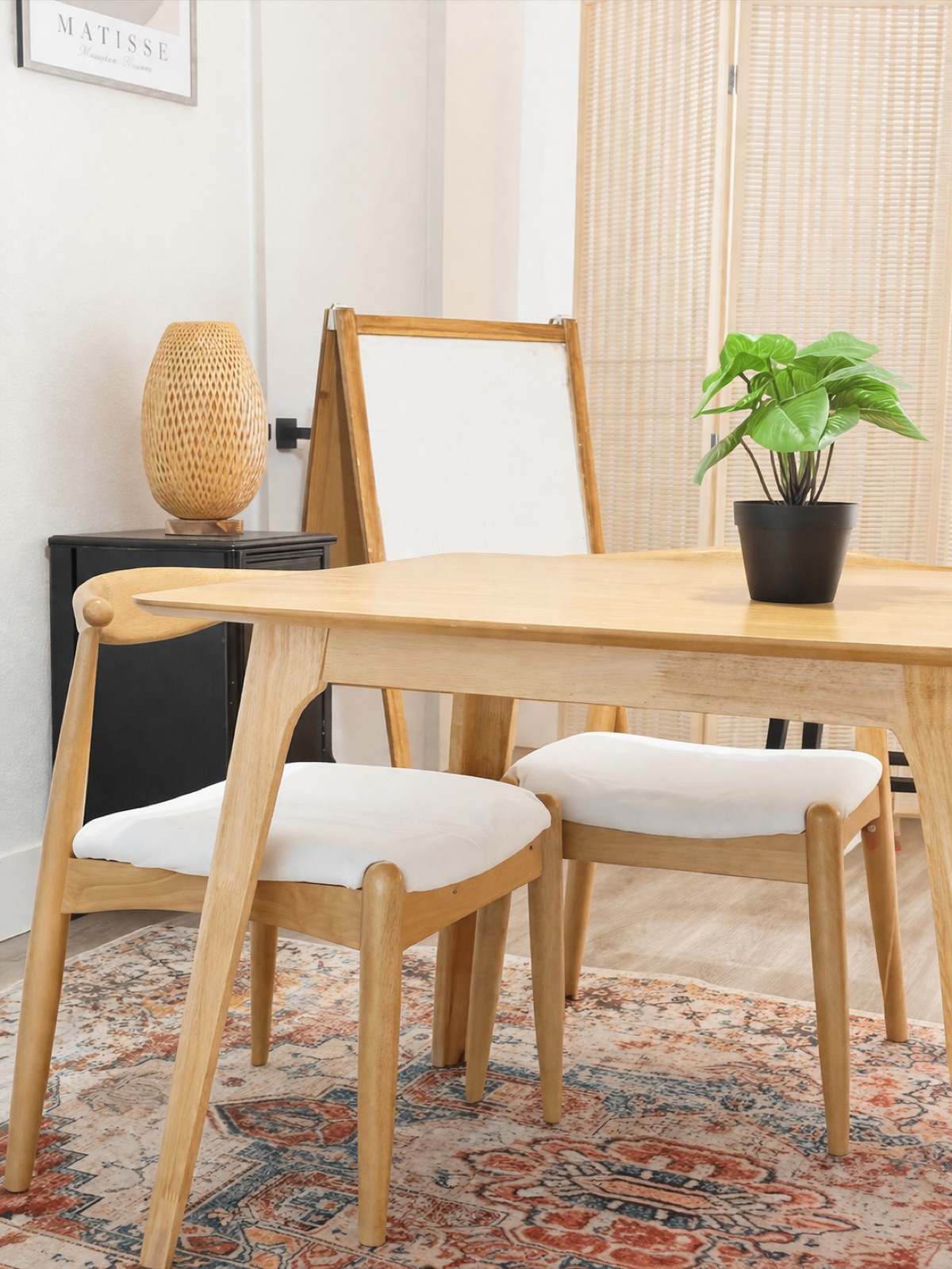
Acoustic treatment addresses this by absorbing and diffusing sound reflections. Professional studios use acoustic foam panels on walls, bass traps in corners to control low-frequency buildup, and diffuser panels to scatter reflections evenly. The result is a tight, controlled sound where your voice is clear and present without any distracting room character.
If you are recording at home, you can improve your acoustics significantly without a major investment. Record in a small room with soft furnishings like carpeting, curtains, and upholstered furniture. A closet full of clothes is actually an excellent makeshift vocal booth. Avoid rooms with high ceilings, large windows, or tile floors. Even draping a heavy blanket over a desk and recording underneath it can reduce reflections noticeably. However, for truly professional results that match broadcast standards, a purpose-built studio environment like the soundproofed rooms at Podcast Studio AZ is difficult to replicate at home.
Gain Staging and Recording Levels
Gain staging is the process of setting the correct input volume at each stage of your audio signal chain, from the microphone through the preamp to the recorder. It is one of the most important technical skills in podcast production, yet many beginners get it wrong. The goal is to record at a level that captures a strong, clean signal without ever hitting the ceiling where distortion occurs.
For podcast recording, your audio levels should peak between negative 12 and negative 6 decibels on your meter. This gives you headroom for moments when speakers get excited, laugh, or raise their voices unexpectedly. If your levels are set too high and a speaker suddenly gets enthusiastic, the audio clips, creating harsh digital distortion that cannot be fixed in editing. This is the most common and most damaging audio mistake in podcasting.
On the other end, recording levels that are too low create a different problem. When you boost quiet audio in post-production, you also boost the noise floor, which includes hiss, hum, and any background sounds that were present during recording. The sweet spot is a signal that is strong enough to sit well above the noise floor but conservative enough to never clip. Professional mixing consoles like the RODECaster Pro II used at Podcast Studio AZ make gain staging intuitive with visual level meters and built-in limiters that protect against unexpected peaks.
Common Audio Mistakes and How to Avoid Them
Beyond the fundamentals of mic technique, room treatment, and gain staging, several other common mistakes can sabotage your audio quality. Background noise is a frequent offender. Air conditioning systems, refrigerators, computer fans, and street traffic all create a constant noise bed that listeners find fatiguing over a 30 to 60 minute episode. Before hitting record, turn off anything that hums, buzzes, or whirs, and close windows to block outside noise.
Inconsistent audio between speakers is another problem, especially in interview-format podcasts. If one speaker is significantly louder or quieter than the other, listeners constantly adjust their volume, which is a frustrating experience. Each speaker should have their own microphone with independently set gain levels. Avoid sharing a single microphone or using a laptop's built-in mic, as these create drastic quality differences between voices.
Mouth sounds, often called mouth clicks, are small wet noises caused by saliva and lip movements. They are especially noticeable in quiet passages and on sensitive condenser microphones. Stay hydrated by drinking water before and during recording, and avoid dairy, coffee, and sugary drinks which increase mouth noise. Green apples are a well-known trick among voice actors for reducing mouth clicks. In post-production, de-clicking tools can help, but prevention is always better than correction. For a comprehensive look at the visual side of production, see our video podcast production guide.
Why Studio Recording Solves These Problems Automatically
Every audio challenge discussed in this article, from microphone technique to room acoustics to gain staging to background noise, is solved automatically when you record in a professional podcast studio. This is the fundamental reason studios exist. They remove the technical burden from the content creator so you can focus entirely on what you are saying rather than how it sounds.
At Podcast Studio AZ in Mesa, every session includes a dedicated audio engineer who handles all technical aspects of the recording. The engineer sets optimal gain levels on the RODECaster Pro II, positions Shure SM7B microphones at the correct distance and angle for each speaker, monitors levels throughout the session, and makes real-time adjustments if a speaker moves or changes their vocal energy. The soundproofed rooms eliminate background noise and room reflections completely.
The result is broadcast-quality audio from the moment you hit record. No post-production heroics needed to fix problems that should not have existed in the first place. Studio + Filming starts at $225 per hour, Studio + Filming + Editing is $350 per hour, and the 12 Session Bundle is $202.50 per session. Every recording option includes professional equipment and an on-site engineer. For podcasters who want to focus on content rather than troubleshooting audio gear, a studio session is the most efficient path to professional sound quality.
Studio Pricing
$225/hr
Studio + Filming
$350/hr
Studio + Filming + Editing
$450/hr
Studio Content Package
Every session includes multi-camera filming, professional audio, lighting, and a dedicated engineer, with raw footage delivered. The higher tiers add a fully edited podcast episode and short-form social clips. Weekend sessions available by request.
Book NowFrequently Asked Questions
What microphone is best for podcast recording?
How far should I be from the microphone when recording a podcast?
Why does my podcast sound echoey?
What is gain staging and why does it matter for podcasts?
Is it worth recording at a professional podcast studio instead of at home?
Record Your Podcast atPodcast Studio AZ
Our full-service video and podcasting studio is ready to make your next project shine — with an in-house video engineer ready to assist.